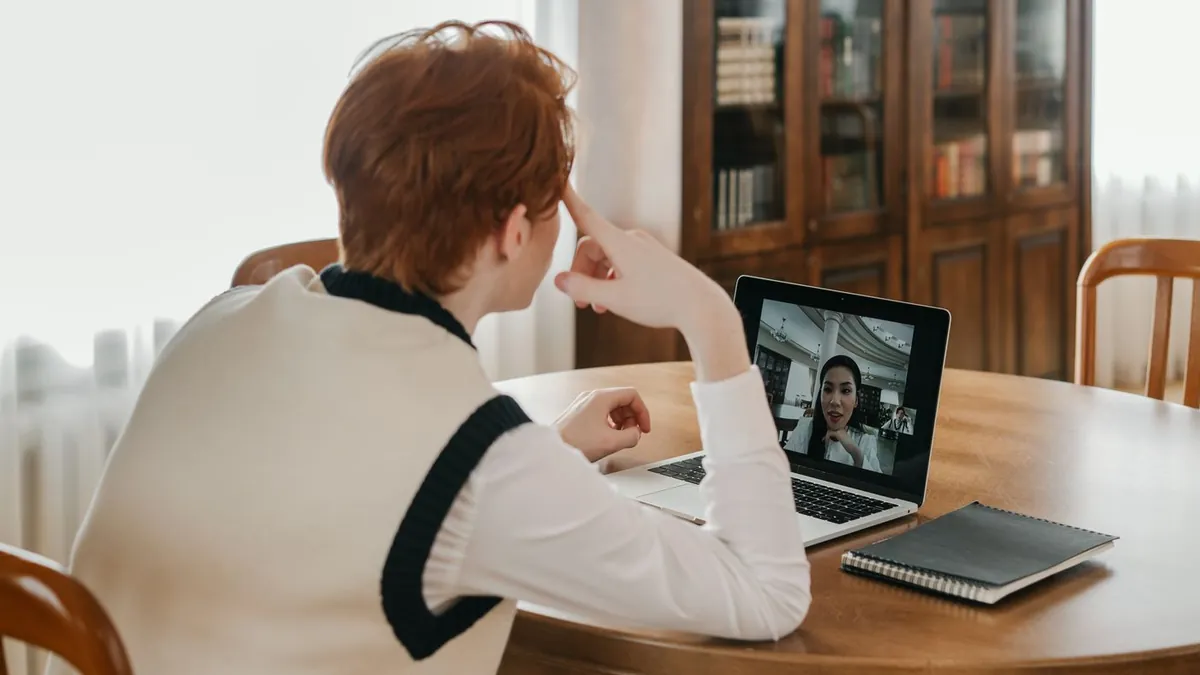
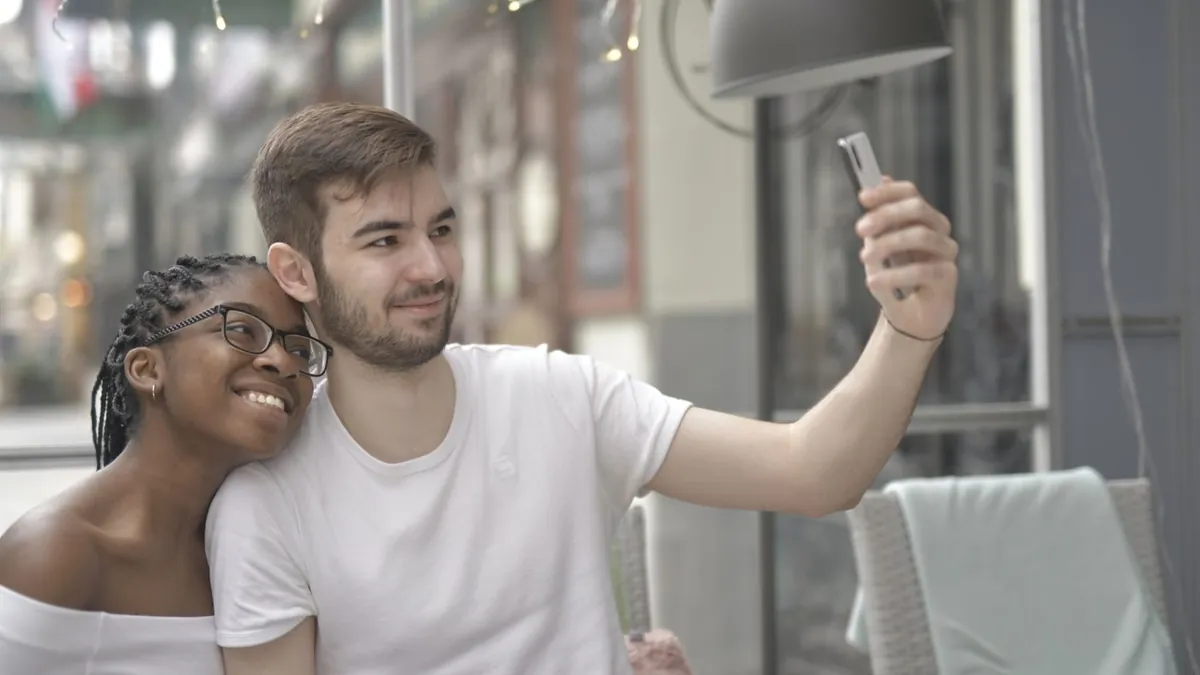
Video-Call Screenshot Photo Ideas for Couples
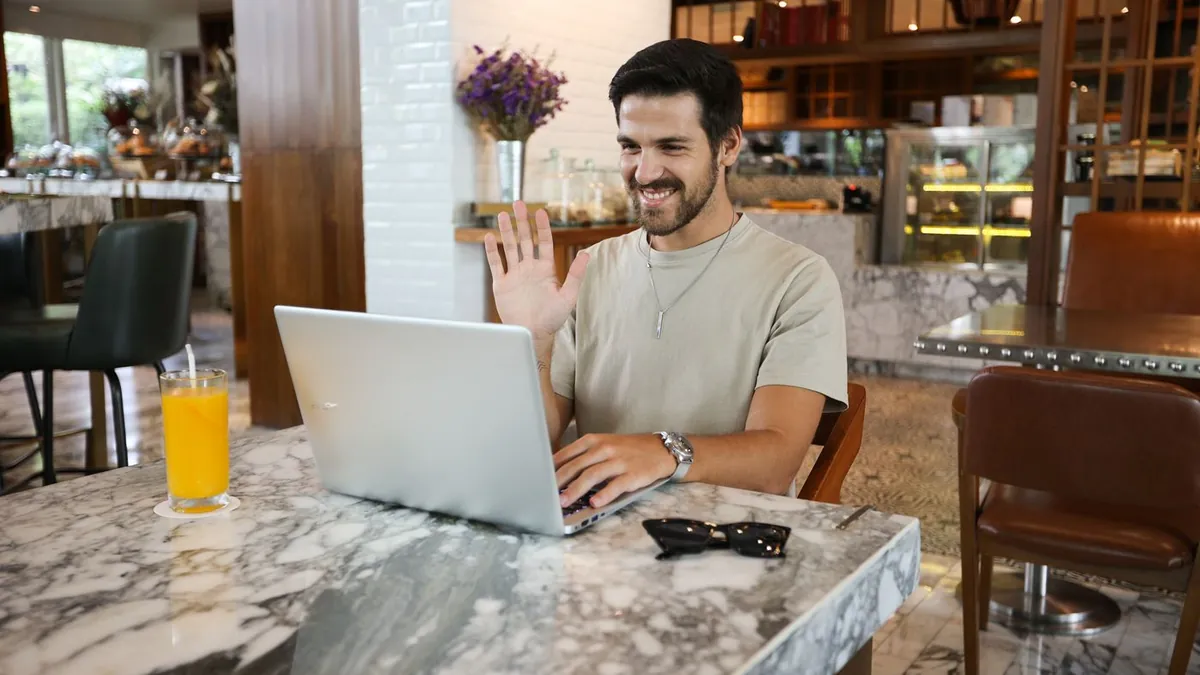
Both partners face a window for light, look at the camera lens rather than the screen, and one person counts down so you smile at the same time. Do a few matching poses — both blowing a kiss, both making the same face — and crop the UI out of the screenshot afterward.
Setup on both ends
- Light from the front — face a window, don't sit with one behind you
- Phone or laptop at eye level, not looking down at it
- Tidy or neutral background
During the call
- Look at the camera, not the other person's face on screen
- One person counts "3, 2, 1" so expressions match
- Try matching poses: same tilt, same hand gesture, both leaning in
- Take several — screenshots catch mid-blink constantly
Don't have a photo of you two together? Make one now.
Download on the App StoreAfter
Crop out the call interface, straighten, and match the two halves' brightness if the app shows you side by side. A well-timed screenshot with both of you smiling genuinely reads as a real shared moment. Related: long-distance photo ideas.
Want it to look like one room?
Then it's not a screenshot job — upload a photo of each of you to AI Couple Photo Maker for a single composed portrait.
Why do video-call photos look bad?
Low webcam resolution, top-down angles, and backlight from a window behind you. Fixing the light and the angle matters more than the camera.