How to Combine Two Photos Into One Couple Picture
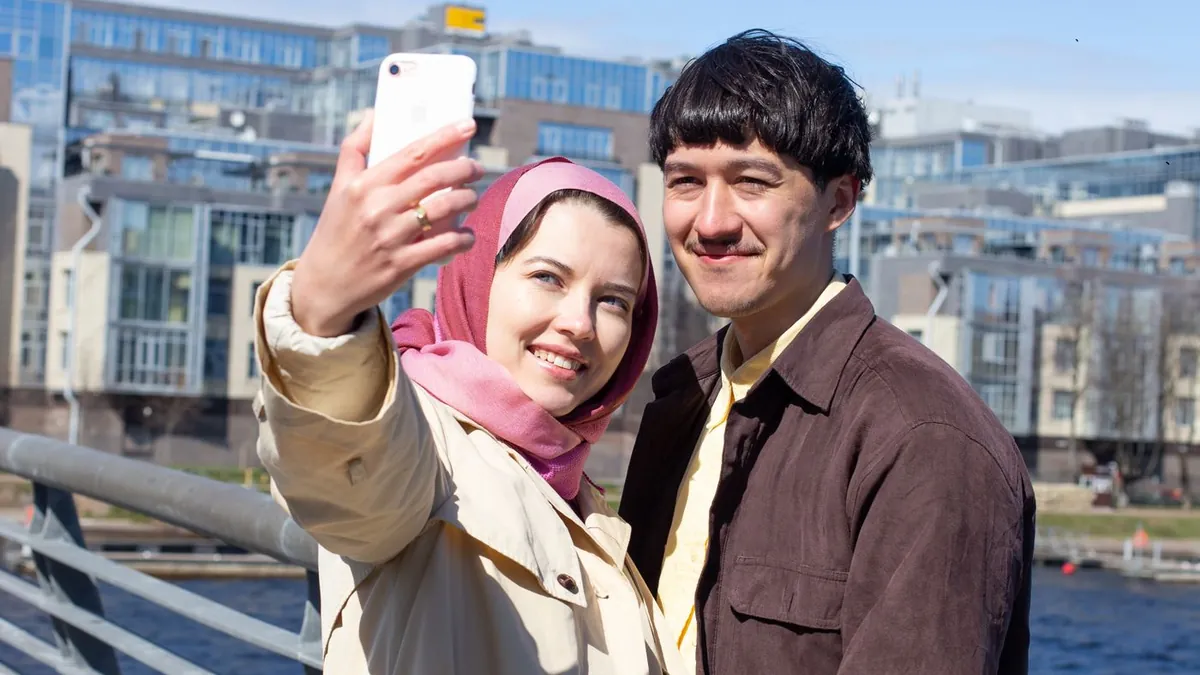
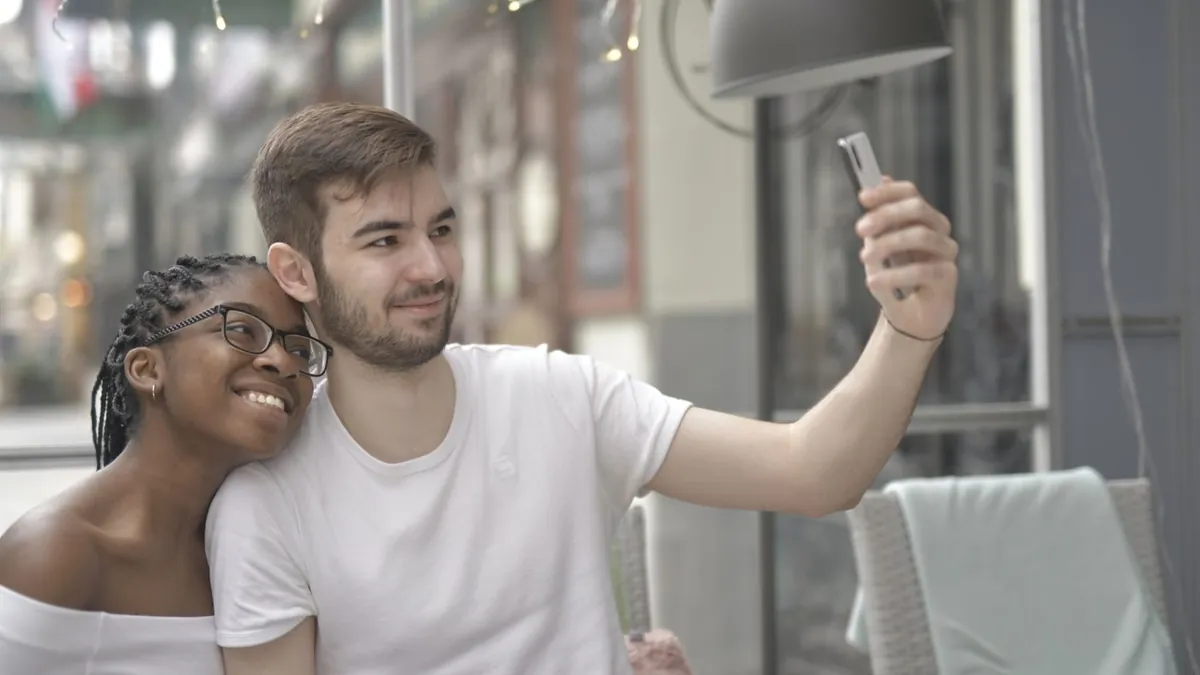
An AI image combiner analyses both photos, matches lighting and perspective, and generates a single scene with both people in it. It's far more seamless than manually cutting one person out and pasting them next to the other, which almost always leaves a visible edge.
AI compositing vs. manual
Manual: mask one person, drop them onto the other photo, spend an hour matching colour and shadows, still see the seam. AI: upload both, the model rebuilds a coherent scene with matched light and depth. For couple photos the AI route wins on realism and time.
How to do it
- Choose one clear photo of each person
- Upload both to AI Couple Photo Maker
- Pick a scene style
- Download the single combined portrait
Same flow as making a couple photo when you have none together.
Don't have a photo of you two together? Make one now.
Download on the App StoreWhat makes it seamless
- Similar lighting in both source photos
- One person per photo, facing roughly forward
- Similar image quality — don't pair a DSLR shot with a low-res screenshot
- Faces not obscured by sunglasses or hair
Detail: best photos to upload.
For a half-and-half look instead
If you want the two photos visibly side by side rather than merged, see half-and-half collage ideas.
Can I combine more than two people?
AI Couple Photo Maker is built for two. For family group composites you'd need a different tool designed for multiple subjects.