How to Take Couple Photos With a Phone and Tripod
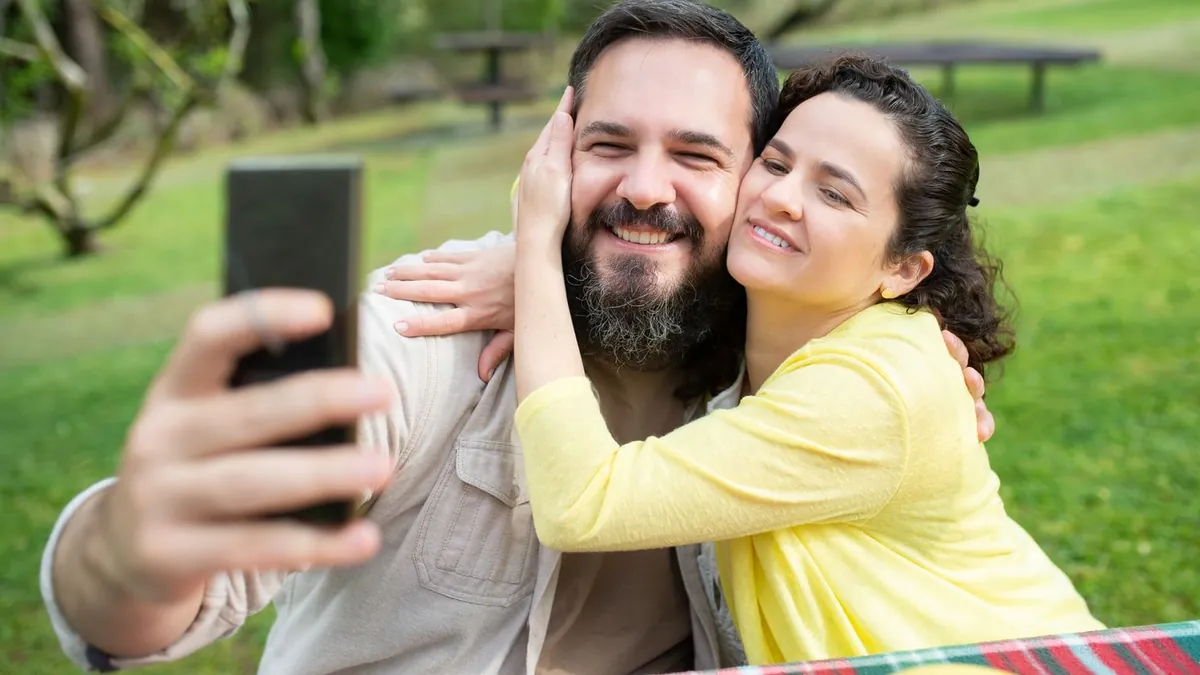
Extend the tripod to eye level or slightly above (5–6 ft), attach the phone in a proper phone mount, tap to set focus where you'll stand and hold for AE/AF lock, set a 10-second timer or burst, and take many frames per pose. Move the tripod between setups for variety.
The setup
- Height: eye level or a touch above — flattering and it looks like someone took it
- Mount: a dedicated phone clamp, not a camera plate
- Lens: main lens (1x), not ultra-wide, which distorts faces at the edges
- Focus: tap where you'll stand, hold until AE/AF LOCK appears
Shooting
Use the 10-second timer, or burst mode (it fires ~10 shots so a mistimed pose still lands), or a Bluetooth/smartwatch remote. Do a test frame, check it, adjust, then commit. See self-timer settings.
Don't have a photo of you two together? Make one now.
Download on the App StoreFraming and variety
Leave headroom, keep the horizon straight, and don't shoot every pose from the same spot — move the tripod, change distance, find a new background. Camera angles.
No tripod?
A ledge, a stack of books, or a bag against a wall all work. Or skip it entirely and compose a portrait with AI Couple Photo Maker from two solo photos.
What height should the tripod be for couple photos?
Eye level to slightly above for standing shots. If one of you is much taller, split the difference and angle down very slightly.