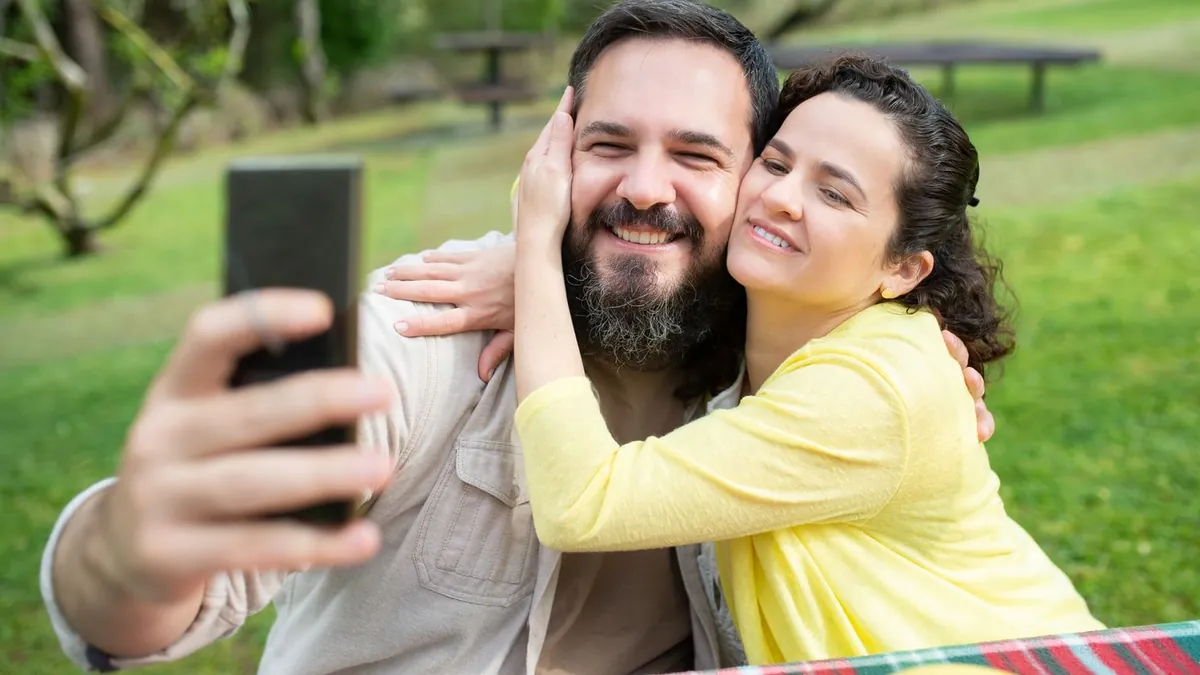
Best Self-Timer Settings for Couple Photos

Use the 10-second timer with burst enabled so each press fires a run of shots — that way a slightly early or late pose still produces a keeper. Lock focus and exposure on your spot first (AE/AF lock). For repeated frames without walking back, use a Bluetooth remote or a smartwatch shutter.
3 seconds vs. 10 seconds
3 seconds is only useful with a remote — it's not enough time to walk into frame and settle. Use 10 seconds if you're pressing the phone yourself, and consider props/positions you can hit quickly.
Burst on a timer
On iPhone the timer automatically shoots a burst of ~10 frames; on many Android cameras you can enable this. It's the single biggest fix for "we were mid-blink" — you get a spread of moments to choose from.
Don't have a photo of you two together? Make one now.
Download on the App StoreLock focus first
Before you step away, tap the screen where you'll be standing and hold until AE/AF LOCK shows. Otherwise the camera may refocus on the background once you're both in frame.
Remotes
A cheap Bluetooth shutter or an Apple Watch / Wear OS camera remote lets you fire the shutter from in the pose, so you can shoot 30 frames without a single walk back. Full setup: phone and tripod.
Why do my self-timer photos come out blurry?
Usually the phone refocused on the background, or the light was low and the shutter slowed. Lock focus on your spot and shoot in good light.