How to Announce Your Engagement With a Photo
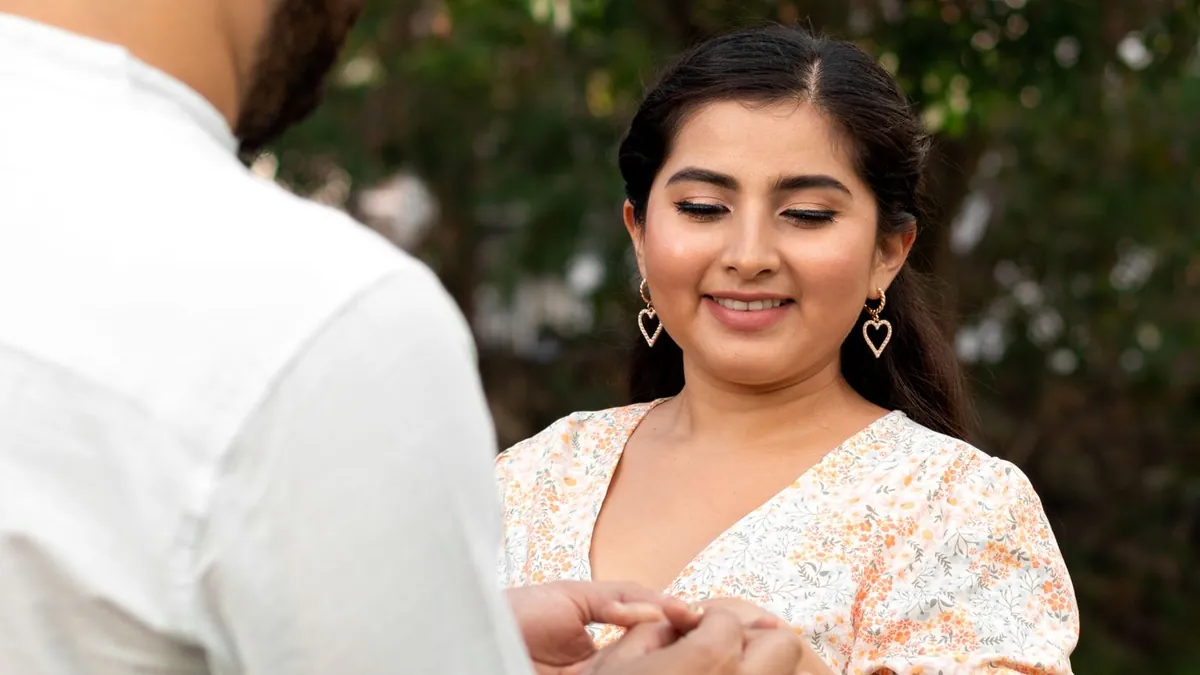
The two reliable formats: a ring-hand shot (her hand on his chest or shoulder, ring in focus) and a candid reaction shot (the hug right after the yes). Keep the caption short — a date, or "She said yes." You can shoot both on a phone.
The ring-hand shot
One hand resting on the partner's chest, shoulder or jaw, with the ring in sharp focus and faces soft or out of frame. Shoot it in daylight near a window; tap to focus on the ring.
The reaction shot
If someone captured the proposal, the hug or the hands-over-mouth moment right after is the strongest image you'll get. If not, restage a genuine embrace — candid technique here.
Don't have a photo of you two together? Make one now.
Download on the App StoreNo good photo together?
Upload one clear photo of each of you to AI Couple Photo Maker and pick a warm style — Garden Party, Rooftop Golden Hour. It composes a single portrait you can post. See making a couple photo when you have none.
Then use it everywhere
The announcement photo often becomes the save-the-date. See save-the-date photo ideas and how to use your engagement photos.
Should the announcement photo show our faces?
Not necessarily. A well-lit ring-hand shot with no faces is a classic announcement image and it's the easiest one to get right on a phone.